
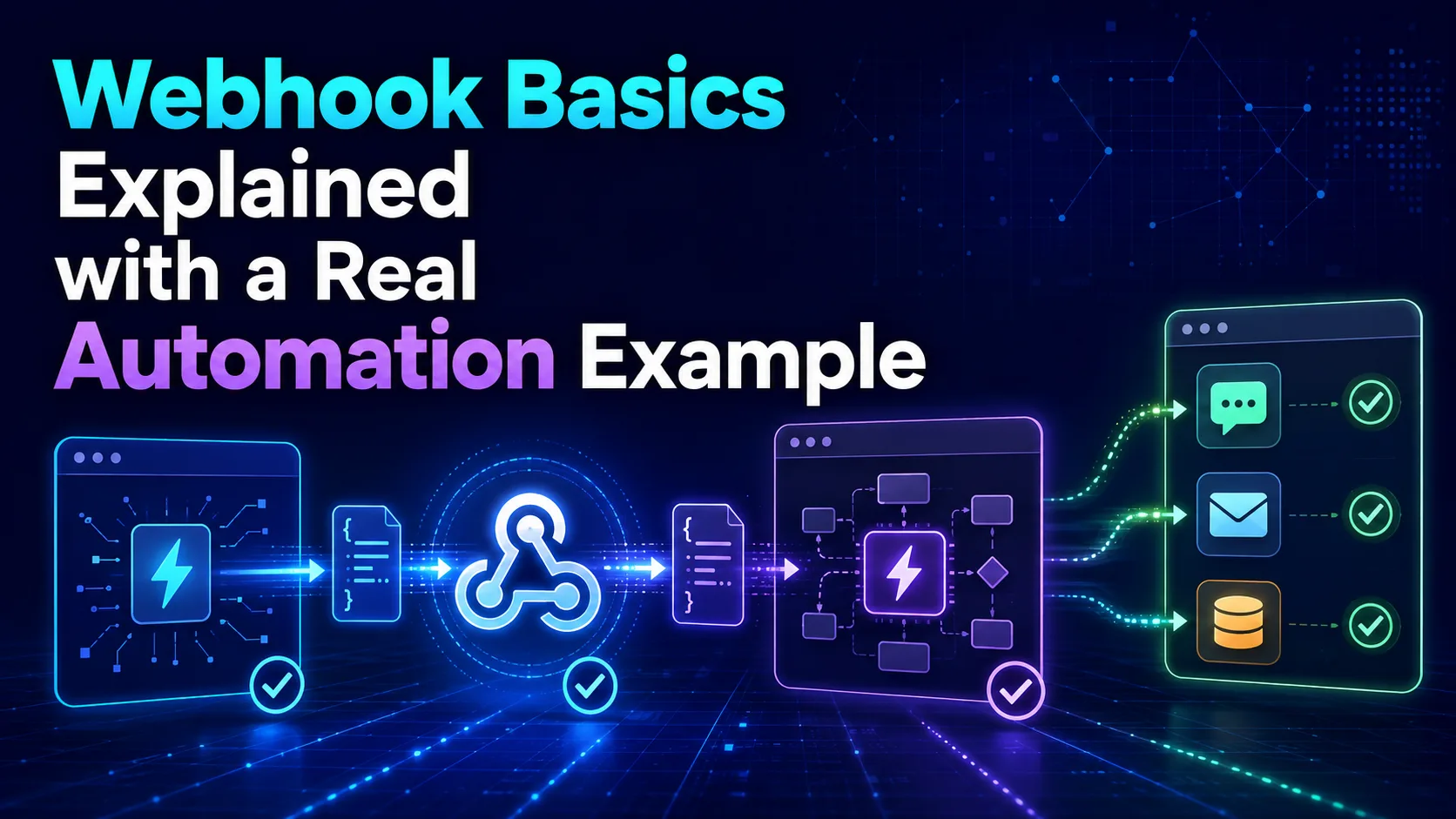
Demystify webhooks: Learn what they are, how they differ from traditional APIs, and how to set up your first automated workflow with a practical, step-by-step example.
Introduction to the World of Webhooks
In modern web development and software integration, applications need to communicate with each other constantly. One of the most efficient and lightweight ways to achieve this real-time communication is through a technology known as a webhook.
To understand webhooks, think of a simple real-world analogy. Instead of calling a store every ten minutes to ask if a product you want is back in stock, you leave your phone number and ask them to text you the moment it arrives. That text message is exactly what a webhook does.
Webhooks enable applications to send automated, real-time messages or information to other applications whenever a specific event occurs. This event-driven approach saves massive amounts of system resources and ensures instant data delivery.
The Core Difference: Webhooks vs. APIs
While both webhooks and APIs are designed to share data between different software systems, they operate on completely opposite communication models. Traditional APIs rely on a polling mechanism, where your application must actively request data over and over again.
Webhooks, on the other hand, utilize a push mechanism. Instead of your server asking 'Is there any new data yet?', the source server automatically pushes the data to your application the exact millisecond that the event occurs.
This fundamental difference makes webhooks incredibly efficient. By eliminating unnecessary API requests that return empty results, webhooks drastically reduce network traffic, server load, and API consumption costs for both parties involved.
How Webhooks Work Under the Hood
For a webhook connection to function, you need two main components: a provider (the source application where the event occurs) and a listener (the destination application that receives the data). The listener must provide a unique URL, often called the endpoint.
When the specified event occurs in the provider application, it collects the relevant data and packages it into a structured format. In almost all modern integrations, this data payload is formatted as a JSON object because of its simplicity and readability.
The provider then sends an HTTP POST request containing this JSON payload directly to the listener's endpoint URL. Once received, the destination application parses the incoming data and triggers a predefined action immediately.
A Real-World Automation Example: Instant Notification on Payment
Let us look at a highly practical example of how webhooks can streamline business operations. Imagine you run an online store using Stripe as your payment gateway, and you want to notify your team on Slack whenever a customer makes a successful purchase.
First, you go to Slack and set up an Incoming Webhook. Slack will generate a unique, secure URL for your specific channel. This URL acts as the destination address where Stripe will send the payment details.
Next, you log into your Stripe dashboard, navigate to the developer settings, and add the Slack webhook URL. You then select the specific event you want to listen for, which is 'payment_intent.succeeded'. Now, whenever a customer pays, Stripe instantly pushes the payment details to Slack, notifying your team in real time.
Best Practices for Securing and Managing Webhooks
Because webhook endpoints are public URLs accessible over the open internet, security is a major concern. The first and most basic rule of webhook security is to always use HTTPS to encrypt the data in transit and prevent eavesdropping.
Secondly, you should implement webhook signatures. Most reputable providers include a cryptographic signature in the HTTP headers of the request, allowing your server to verify that the incoming payload genuinely came from the trusted provider and not an imposter.
Lastly, always design your webhook receiver to be robust. Your server might occasionally experience downtime, so ensure your webhook provider supports automatic retries with exponential backoff to prevent critical data from being lost during temporary outages.
Comparison table
Feature | API (Polling) | Webhook (Push) |
|---|---|---|
Communication Model | Request-Response (Pull) | Event-Driven (Push) |
Initiator | The Client application | The Server/Provider application |
Resource Consumption | High (constant requests) | Very Low (only runs when needed) |
Data Delivery Speed | Delayed (depends on polling interval) | Instant (real-time) |
Frequently asked questions
Do I need coding skills to use webhooks?
Not necessarily. While developers write custom code to handle webhooks, non-technical users can easily set up and manage webhooks using visual no-code automation tools like Make.
What happens if my server is down when a webhook is sent?
Most professional services will attempt to redeliver the webhook payload multiple times over several hours or days before giving up, giving you time to bring your server back online.
What is a webhook payload?
A payload is the actual data sent by the webhook provider to the destination URL. It is usually formatted in JSON and contains detailed information about the event that just occurred.
Comments
Be the first to comment.