
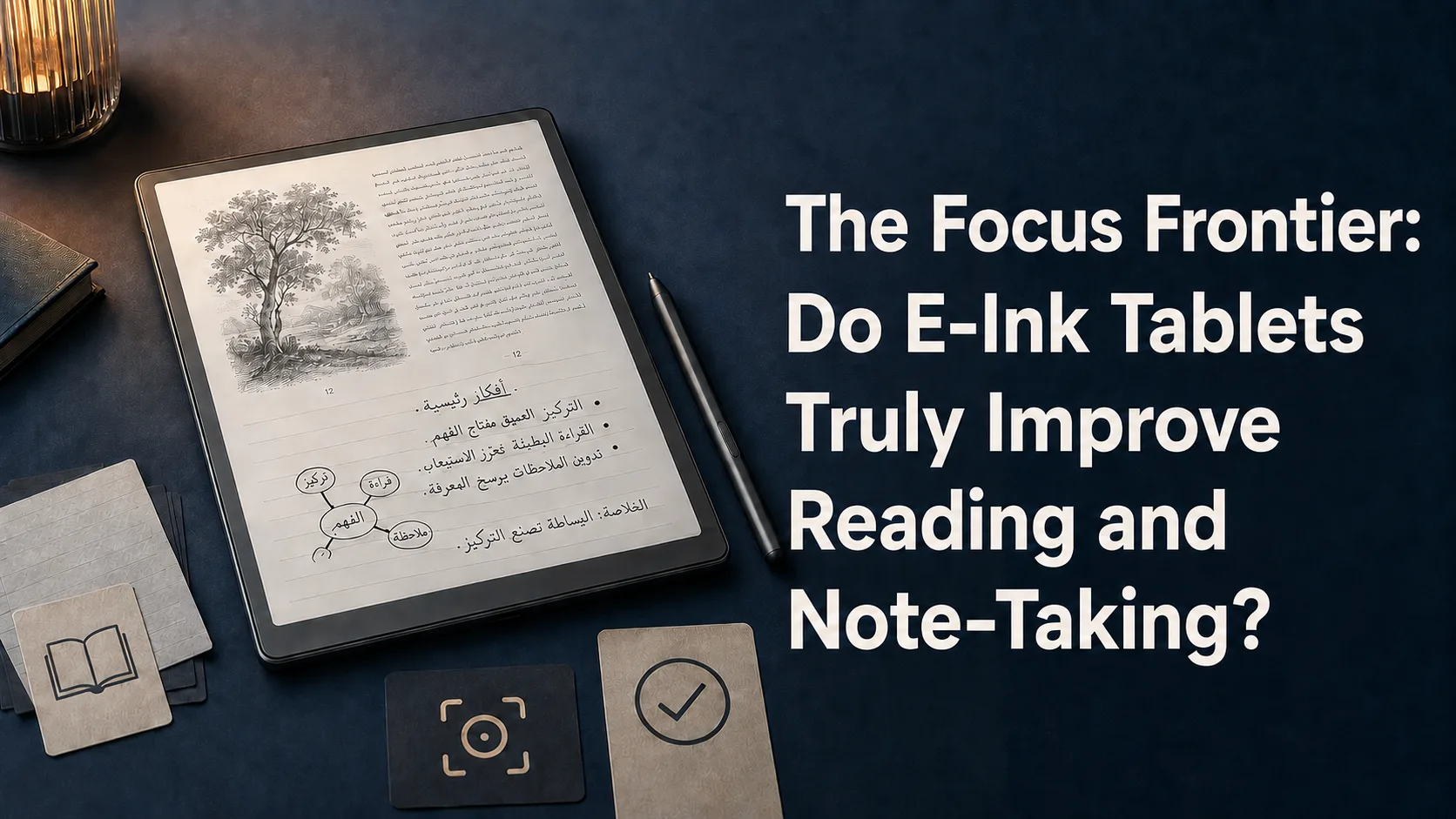
Discover how E-Ink tablets eliminate digital distractions, reduce eye strain, and recreate the tactile feel of paper to boost your daily productivity and deep focus in a world of constant noise.
Introduction: The Distraction Economy and the Return to Paper
We live in an era characterized by an endless stream of information and notifications designed to capture our attention. Smartphones and traditional tablets, despite their power, have become primary gateways for procrastination due to their bright, multi-functional designs.
This reality has driven many professionals and students to seek alternatives that restore the joy of deep, uninterrupted focus. E-Ink tablets have emerged as a compelling middle ground, combining digital flexibility with the simplicity of physical paper.
The Science of E-Ink: Why It Feels Different
E-Ink screens utilize a fundamentally different technology compared to traditional LCD or OLED displays. Instead of emitting light directly into your eyes, these reflective screens use microcapsules containing tiny pigments that mimic the look of real ink on paper.
The absence of direct blue light emission means that reading on these devices for hours does not cause the typical eye strain or headaches associated with glowing screens. Furthermore, using them in the evening won't disrupt your natural sleep cycle, making them ideal for night-time reading.
Eliminating the Distraction Loop
The greatest strength of an E-Ink tablet lies not just in what it can do, but in what it cannot do. Most dedicated E-Ink devices run simplified operating systems that lack fast web browsers, social media apps, and colorful, attention-grabbing games.
When you remove the friction of constant temptation, your brain naturally settles into a state of deep focus on the task at hand. This intentional disconnection from the noisy digital ecosystem is the ultimate key to reclaiming your cognitive stamina and productivity.
Note-Taking and Tactile Feedback
Modern E-Ink tablets have made massive strides in replicating the tactile friction of writing on real paper. The subtle resistance between the stylus tip and the textured screen surface provides sensory feedback that feels incredibly natural compared to writing on slippery glass.
Cognitive research suggests that writing by hand improves comprehension and memory retention far better than typing. E-Ink devices allow you to retain these cognitive benefits of handwriting while enjoying modern digital organization, such as cloud syncing and searchable handwritten notes.
Reading and Document Annotation
For academics, researchers, and professionals who handle large volumes of documents, E-Ink tablets offer an unparalleled reading experience. You can write notes directly in the margins of PDFs and highlight text just as you would with a printed book.
This active style of reading transforms you from a passive consumer of information into an active participant, boosting your comprehension of complex materials. Once finished, your annotated files can be instantly synced back to your computer for seamless integration into your workflow.
Choosing the Right Device for Your Workflow
When considering an E-Ink tablet, it is crucial to analyze your specific daily needs. Some devices focus entirely on minimalist note-taking and reading, offering a pure paper-like experience, while others run open Android platforms that allow you to install productivity apps.
If your primary goal is to escape digital distractions entirely, a closed and highly focused device is your best option. However, if you rely heavily on specific third-party productivity tools, a more versatile Android-based E-Ink tablet might be the right fit, provided you maintain the discipline to avoid distractions.
Comparison table
Feature | Traditional Tablets | E-Ink Tablets | Physical Paper |
|---|---|---|---|
Eye Strain & Glare | High (direct backlighting) | Very Low (reflective light) | None (requires ambient light) |
Digital Distractions | Very High (notifications & apps) | Low to None | None |
Battery Life | 1 to 2 days | Several weeks per charge | Infinite |
Search & Organization | Excellent and fast | Excellent with cloud sync | Difficult and manual |
Frequently asked questions
Are E-Ink tablets slow to respond?
Yes, E-Ink screens have a slower refresh rate compared to LCD or OLED screens. This is a physical limitation of the technology, which makes them unsuitable for video or gaming, but perfectly adequate for reading and writing.
Can I read in the dark with an E-Ink tablet?
Most modern E-Ink tablets feature built-in front lights. Unlike backlights that shine directly into your eyes, front lights guide light across the screen surface, allowing you to read comfortably in dark environments without eye strain.
Can I sync my notes to other devices?
Yes, almost all modern E-Ink tablets offer companion apps and cloud integration, allowing you to view, export, and organize your handwritten notes and annotated PDFs on your phone, tablet, or computer.
Comments
Be the first to comment.