
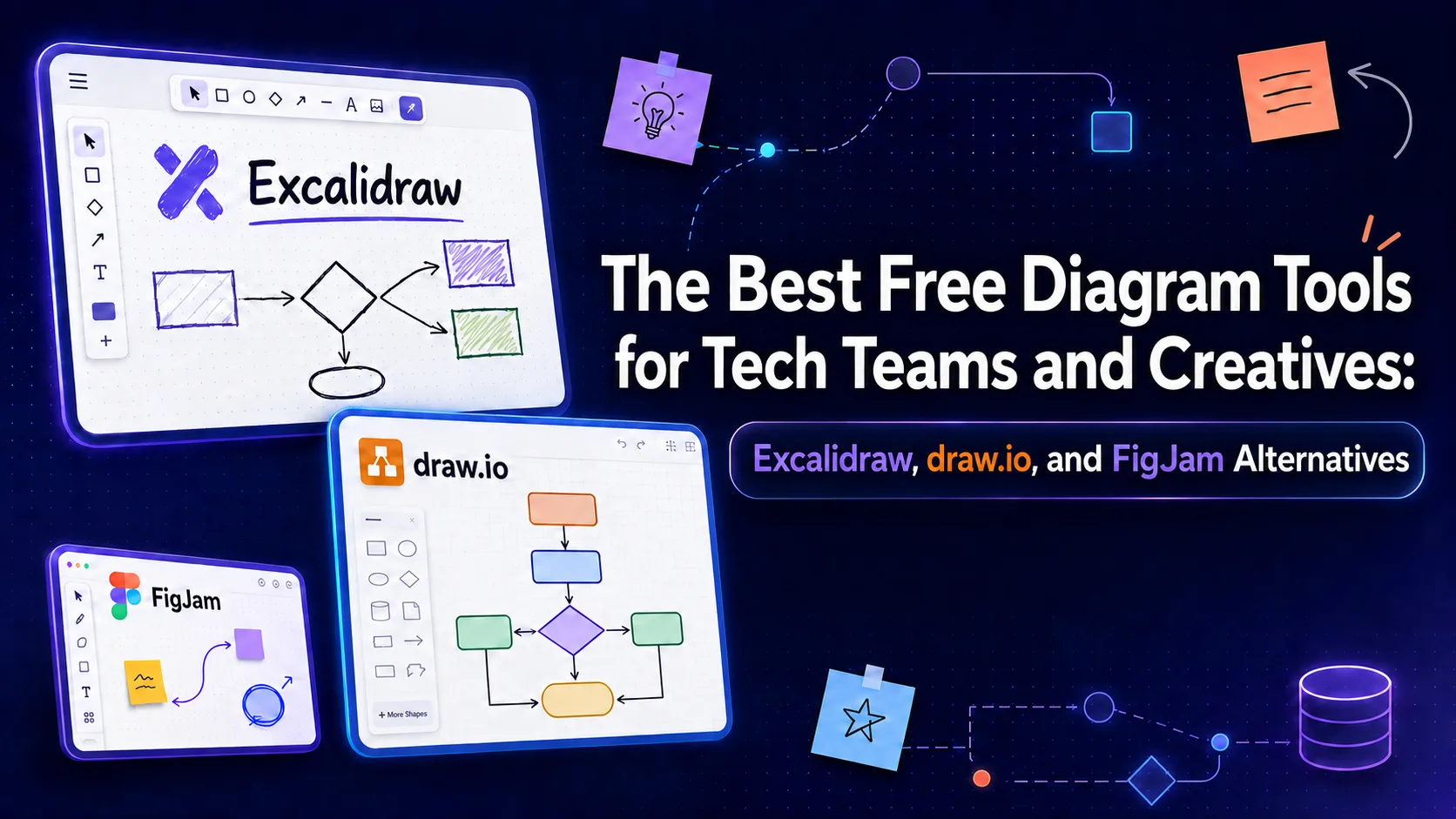
Looking for the perfect free diagramming tool? We compare Excalidraw, draw.io, and FigJam, exploring their unique strengths and the best open-source alternatives for your workflow.
Introduction: The Power of Visual Thinking in the Digital Workspace
In today's fast-paced digital environment, visual communication has become an indispensable asset for technical teams and creatives alike. Diagrams help us break down complex ideas, design software architectures, and facilitate seamless communication among team members without relying on long, tedious text documents. With the rise of remote work, digital diagramming tools have emerged as a core component of our daily productivity stack.
Fortunately, you do not need to spend a fortune to access professional, high-quality diagramming software. Today, there are outstanding free and open-source options available that rival, and sometimes even surpass, expensive proprietary solutions. From flexible virtual whiteboards to highly structured flowchart tools, there is a perfect application for every type of project and workflow.
In this practical guide, we will explore the best free diagramming tools currently available, focusing on three major industry players: Excalidraw, draw.io, and FigJam. We will discuss the unique strengths and weaknesses of each tool, and suggest excellent alternatives to help you choose the right fit for your specific development or design workflow.
Excalidraw: The King of Hand-Drawn Virtual Whiteboards
Excalidraw stands out in the crowded diagramming space due to its unique, charming hand-drawn aesthetic. This casual, sketch-like appearance removes the pressure of perfectionism, encouraging creative and free-flowing thinking during brainstorming sessions. The tool is incredibly lightweight, loading instantly in any web browser without requiring an account, making it perfect for quick ideas and spontaneous sketches.
Beyond its visual appeal, Excalidraw is fully open-source and places a high priority on user privacy. The tool supports end-to-end encryption for collaborative sessions, meaning your data and diagrams remain completely secure and cannot be accessed by third parties. It also allows you to export your drawings in multiple formats, such as PNG and SVG, with absolute ease.
Excalidraw is a favorite among software developers who want to sketch quick flowcharts, system architectures, or low-fidelity wireframes. Thanks to its rich library of community-contributed components, you can easily find templates for web UI elements, cloud icons, and common design patterns, saving you valuable time during the initial stages of project planning.
draw.io: The Technical Powerhouse for Structured Diagrams
If you are looking for a tool focused on precision and technical structure, draw.io (also known as diagrams.net) is the undisputed choice. This tool is specifically designed to handle highly complex diagrams, such as network architectures, database schemas, business process flowcharts, and UML software designs. It provides a precise grid system and a massive library of industry-standard shapes.
One of the greatest features of draw.io is its exceptional data storage flexibility. It allows you to save your files directly to your preferred cloud storage services, such as Google Drive, OneDrive, or GitHub, or even locally on your computer. This means you retain complete ownership and control over your data without worrying about vendor lock-in. A dedicated desktop application is also available for fully offline work.
While the interface of draw.io may feel somewhat traditional and cluttered compared to modern whiteboard tools, its sheer efficiency and capability to handle massive, complex diagrams make it the go-to choice for software engineers and IT administrators. It is completely free for both personal and commercial use, with no artificial limits on the number of diagrams you can create.
FigJam: Collaborative Brainstorming Made Easy for Product Teams
Developed by the popular design platform Figma, FigJam is one of the best interactive virtual whiteboards designed specifically for teams. It is built to facilitate engaging workshops, brainstorming sessions, and agile planning. The tool features a highly interactive, playful user interface complete with colorful sticky notes, live cursor tracking, voting tools, and even a built-in timer to keep meetings on track.
The biggest advantage of FigJam is its deep integration with the broader Figma ecosystem. You can easily copy and paste elements between Figma and FigJam, making it incredibly simple to transition from a loose brainstorming session to high-fidelity UI design. This integration makes it the preferred tool for product designers and cross-functional product teams already using Figma.
However, FigJam's free tier comes with some notable limitations. Free accounts are restricted to three active collaborative files at any given time. If you are working within a small team or need a tool for quick personal use, the free plan is excellent, but for larger, ongoing projects, you may eventually need to upgrade or look into fully open-source alternatives.
Open-Source and Developer-Centric Alternatives: Mermaid.js and tldraw
For developers who prefer writing code over manual drawing, Mermaid.js offers a revolutionary approach based on the concept of 'Diagrams as Code'. This tool allows you to generate complex flowcharts, sequence diagrams, and Gantt charts using simple, Markdown-like text syntax. The diagram is rendered and updated automatically based on your text, making it incredibly easy to version-control your diagrams inside Git repositories.
Another outstanding, rapidly growing alternative is tldraw, an open-source whiteboard tool that prides itself on simplicity and speed. It offers a highly responsive drawing experience similar to Excalidraw but with a modern, clean aesthetic and smoother vector lines. It is ideal for quick visual notes, low-fidelity prototyping, and can be easily embedded into other web applications due to its flexible, open codebase.
These alternative tools demonstrate that the free diagramming ecosystem is rich with innovation. Whether you prefer visual drag-and-drop interfaces, writing declarative code, or sketching freely with a digital stylus, there is a specialized tool designed to match your specific workflow philosophy.
How to Choose the Right Tool for Your Workflow
There is no single 'best' tool for everyone; the right choice depends entirely on the nature of your project and your team's working style. If your primary goals are speed, privacy, and a casual, hand-drawn look for quick conceptual sketches, Excalidraw is your best bet. Its simplicity and robust encryption ensure a secure and frictionless experience across any device.
On the other hand, if you are a technical engineer who needs to map out complex cloud infrastructures, detailed network topologies, or precise database schemas, draw.io is the tool that will meet all your requirements. Its massive library and flexible storage options make it the most reliable choice for formal engineering documentation that demands absolute precision.
Finally, if you work in a dynamic, collaborative team focused on brainstorming, agile planning, and UX design, and you are already embedded in the Figma ecosystem, FigJam will provide an incredibly engaging and productive environment. Evaluate your team's specific needs and project scale to select the tool that will best help you turn abstract ideas into clear, actionable visual assets.
Comparison table
Tool | Primary Use Case | Open Source | Offline Support | Key Feature |
|---|---|---|---|---|
Excalidraw | Brainstorming & quick sketches | Yes | Yes (via Web App) | Hand-drawn aesthetic & end-to-end encryption |
draw.io | Technical & architecture diagrams | Yes (Core) | Yes (Desktop App) | Extensive cloud integrations & UML/AWS shapes |
FigJam | Interactive team collaboration | No | No | Interactive stickers & deep Figma integration |
Mermaid.js | Diagrams-as-code for developers | Yes | Yes | Generates diagrams from Markdown-like text |
Frequently asked questions
Is Excalidraw completely free for commercial use?
Yes, the core web-based version of Excalidraw is fully open-source and free for both personal and commercial use. There is a paid subscription called Excalidraw Plus that offers cloud storage and team management features, but the free version is more than sufficient for most individual users and small teams.
Can I use draw.io offline?
Yes, draw.io provides a free, dedicated desktop application for Windows, macOS, and Linux. This application allows you to create, edit, and save your diagrams completely offline, storing the files locally on your hard drive.
What is Mermaid.js and how does it differ from visual tools?
Mermaid.js is a JavaScript-based tool that lets you generate diagrams using simple text syntax similar to Markdown. Instead of dragging and dropping shapes manually, you write code describing the relationships between elements, and the tool renders the diagram automatically. It is ideal for keeping documentation close to the codebase in Git.
Are there file limitations on FigJam's free plan?
Yes, FigJam's free plan limits you to a maximum of 3 active collaborative files. If you need to create more shared files, you will need to upgrade to a paid plan or move older files to your personal, non-collaborative drafts folder.
Comments
Be the first to comment.