
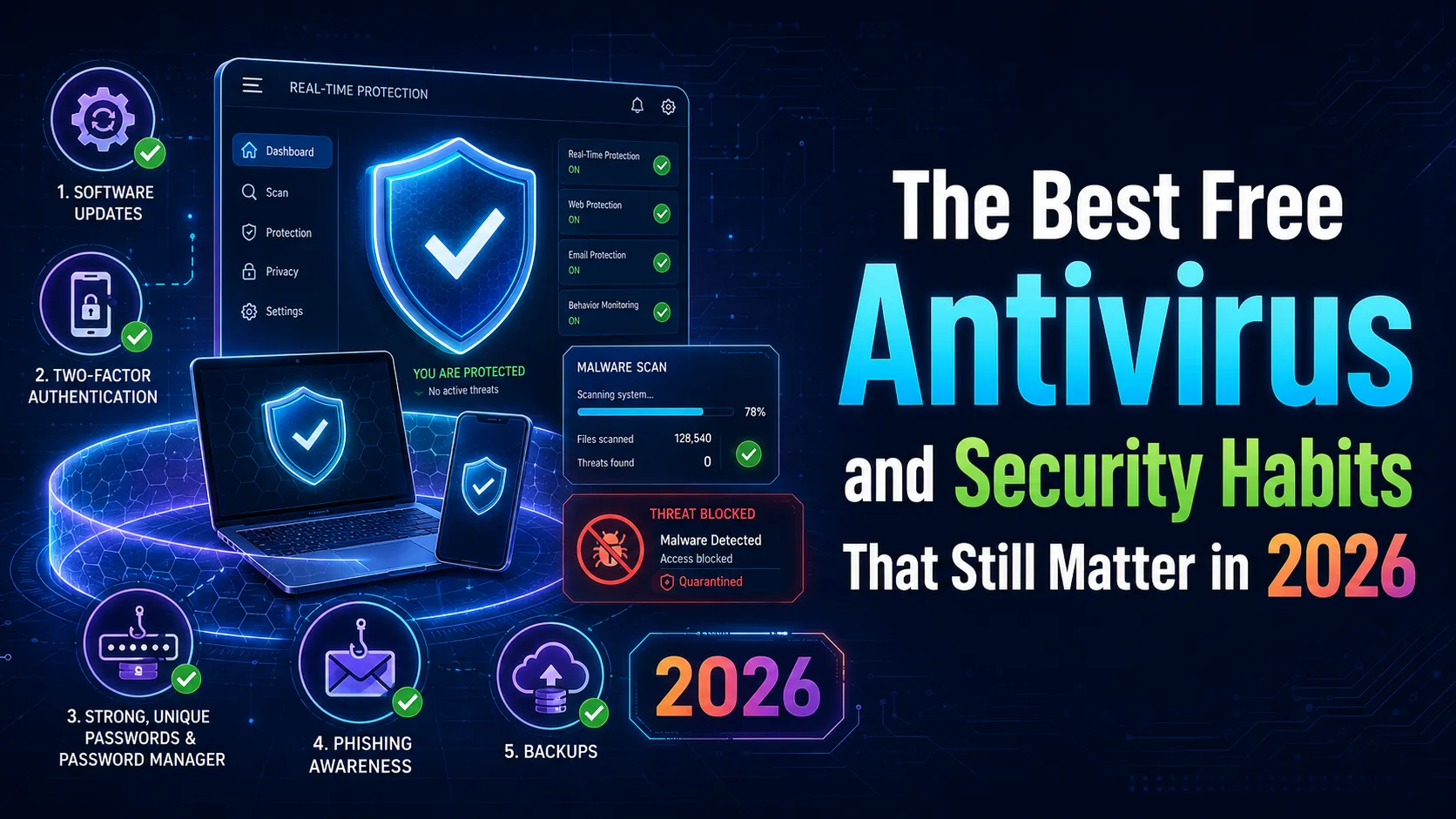
In 2026, traditional antivirus software is no longer your primary line of defense. Discover why built-in tools and smart security habits are the ultimate shield for your digital life.
The Evolution of the Threat Landscape in 2026
Gone are the days when simple, self-replicating file viruses were the primary threat to your personal computer. In 2026, cyber threats have evolved into highly sophisticated operations driven by AI-powered phishing, social engineering, and browser-based session hijacking.
Modern malware rarely seeks to destroy your operating system. Instead, it silently aims to steal your digital identity, session cookies, and access to financial accounts. This shift means that relying solely on a traditional desktop scanner is no longer enough.
To stay safe today, we must shift our perspective from simply installing an antivirus program to adopting a holistic security posture that combines robust built-in tools with proactive daily habits.
Do You Actually Need a Third-Party Free Antivirus?
The most common question today is whether third-party security software is still necessary given the advancements in modern operating systems. The short answer is that built-in security has become incredibly powerful and is no longer a mere afterthought.
Windows Security (formerly Windows Defender) offers top-tier, cloud-backed real-time protection that updates constantly without bogging down system resources. Similarly, macOS utilizes its silent, background-running XProtect system to block threats seamlessly.
For the vast majority of users who practice basic web safety, these integrated solutions are more than adequate. In fact, they are often superior to free third-party alternatives, which frequently bundle unwanted software or nag users with upgrade prompts.
The Best Free Security Tools Worth Installing
If you are running an older operating system or simply desire an extra layer of defense for scanning suspicious files, a few free tools still stand out in 2026. Bitdefender Antivirus Free remains a top recommendation due to its clean, set-and-forget interface and minimal impact on system performance.
Another essential tool is the free version of Malwarebytes. Rather than running it as a continuous background scanner—which can conflict with your primary defense—we recommend using it strictly as an on-demand scanner to root out deeply hidden adware or PUPs.
Remember that the golden rule of system security is never to run two active, real-time antivirus engines simultaneously. Doing so causes software conflicts, high CPU usage, and can actually lower your overall protection.
Non-Negotiable Security Habits for the Modern Era
The strongest security tool is not a piece of software you download; it is the set of habits you practice daily. At the top of this list is transitioning to Passkeys wherever supported, completely eliminating the vulnerability of easily guessable or leaked passwords.
Multi-Factor Authentication (MFA) is another non-negotiable habit. By requiring a secondary verification step through an authenticator app, you ensure that even if an attacker acquires your credentials, they cannot access your account.
Lastly, prompt software updates are critical. The vast majority of successful exploits target known vulnerabilities for which patches have already been released, but which users have neglected to install.
Securing Your Browser and DNS Filtering
Since the web browser is your primary window to the digital world, securing it is paramount. Use trusted content blockers to prevent malicious scripts from executing, and enable enhanced safe browsing features within Chrome, Edge, or Firefox.
Additionally, configuring a secure, free DNS service like Cloudflare (1.1.1.2) can block known malicious domains at the network level before they even begin to load on your device.
These simple, lightweight adjustments stop threats at the source, offering a faster and significantly safer browsing experience without the need for heavy security suites.
Comparison table
Security Aspect | Built-in OS Security | Free Third-Party AV | Proactive Security Habits |
|---|---|---|---|
Financial Cost | Completely free, no ads | Free, often with upsell prompts | Completely free |
System Performance | Extremely lightweight | Varies (can be resource-heavy) | Zero performance impact |
Phishing Protection | Moderate (browser-dependent) | Moderate | Excellent (via Passkeys & MFA) |
Frequently asked questions
Is Windows Defender enough for security in 2026?
Yes, for most users, Windows Security provides excellent, enterprise-grade protection out of the box. Third-party software is generally only necessary if you require specific advanced features.
Why do some experts advise against free third-party antiviruses?
Many free antivirus programs monetize their services by tracking user data or constantly prompting users with intrusive ads to upgrade to paid tiers, which can degrade the user experience.
What are Passkeys and why are they safer?
Passkeys are a modern password replacement that uses cryptographic key pairs tied to your device's biometrics. They are completely immune to traditional phishing attacks.
Comments
Be the first to comment.