
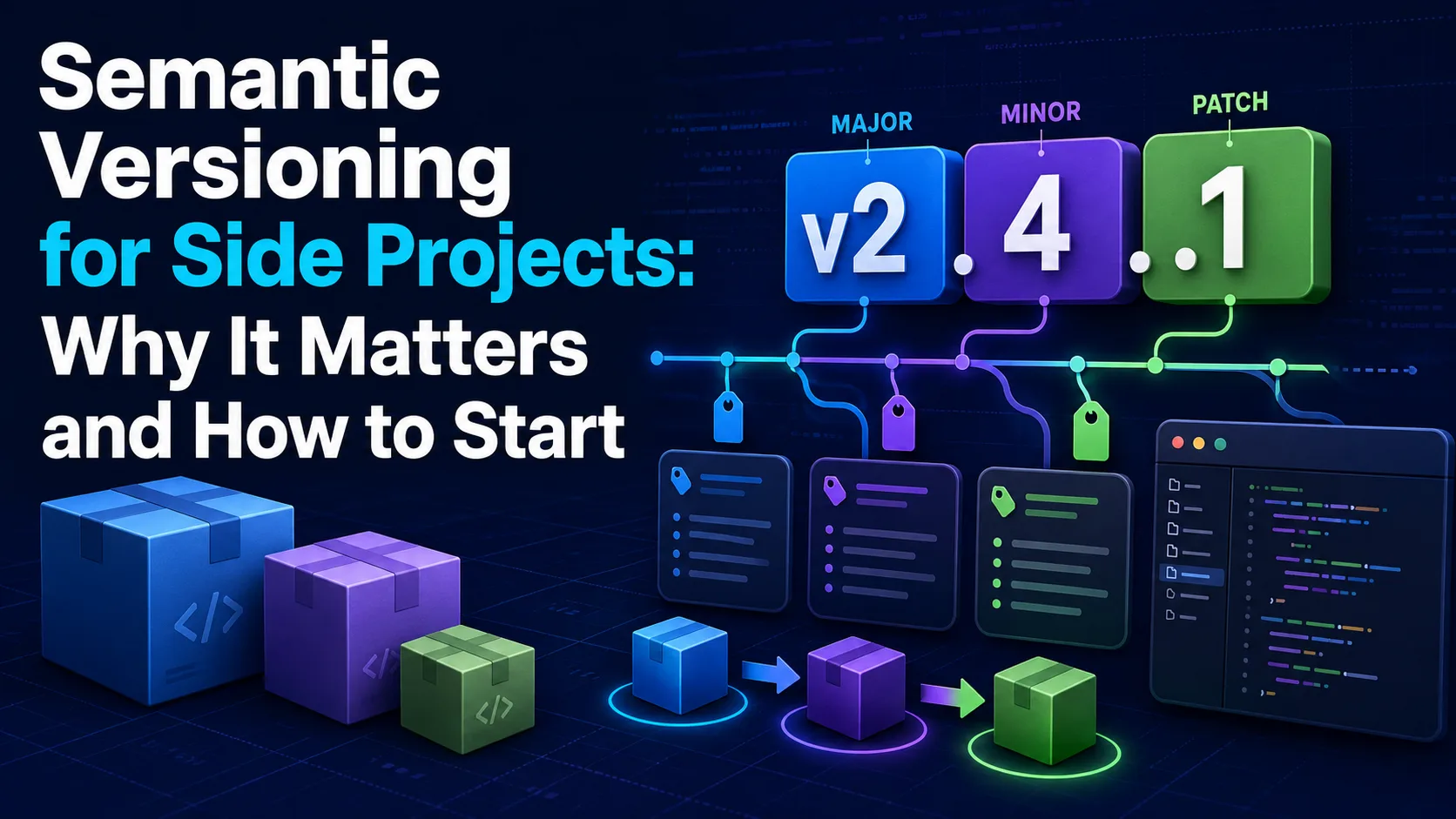
Shipping a side project doesn't mean you should skip version control best practices. Learn how Semantic Versioning (SemVer) keeps your code organized, builds trust with users, and automates your release workflow.
Introduction: The Chaos of "v1.1-final-fixed"
Most side projects start with a burst of inspiration and rapid coding. In the rush to ship features, developers often ignore release management, leading to chaotic versioning schemes that make tracking progress difficult. You might find yourself naming releases with arbitrary labels like 'final', 'v2-fixed', or 'new-release-actually-working'.
This lack of structure creates confusion, especially when you return to the project after a few months or when other developers try to contribute. Adopting a standardized versioning system solves this problem. Semantic Versioning (SemVer) provides a clear, logical framework that brings order to your release cycle from day one.
What is Semantic Versioning (SemVer)?
Semantic Versioning is a simple, formal specification for numbering software releases. It uses a three-part number format: MAJOR.MINOR.PATCH. Each number conveys specific meaning about the underlying code changes, allowing users and dependency managers to understand the impact of an update instantly.
The MAJOR version increments when you make incompatible API changes that break backward compatibility. The MINOR version increments when you add functionality in a backward-compatible manner. The PATCH version increments when you make backward-compatible bug fixes and minor optimizations.
Why Side Projects Need SemVer
You might think SemVer is overkill for a solo side project, but it offers significant benefits even for single-developer codebases. It forces you to think critically about your software's public interface and API design, encouraging cleaner code boundaries.
Furthermore, when you inevitably put the project down and return to it later, a structured version history tells you exactly how the project evolved. If you decide to open-source your project or share it on GitHub, SemVer signals to potential users and contributors that your project is stable and professionally maintained.
Practical Rules for Incrementing Versions
To implement SemVer effectively, you must establish clear habits for when to bump each number. If you are simply fixing a typo in an error message or resolving a minor CSS bug, increment the PATCH version (e.g., from 1.0.0 to 1.0.1).
If you introduce a new feature, like an export-to-CSV button that doesn't break existing functionality, increment the MINOR version (e.g., to 1.1.0). When you rewrite your database schema or remove deprecated API endpoints, you must increment the MAJOR version (e.g., to 2.0.0) to warn users of breaking changes.
Automating SemVer in Your Workflow
Manually tracking versions can be tedious and prone to human error, which is why automation is highly recommended. By adopting 'Conventional Commits'—a structured format for your Git commit messages—you can let tools analyze your commit history for you.
Using automated tools like Semantic Release integrated with GitHub Actions, your pipeline can automatically determine the next version number, generate a comprehensive changelog, and publish the release. This setup saves time and ensures your side project operates with the same rigor as professional enterprise software.
Comparison table
Component | When to Increment | Example Change | API Compatibility |
|---|---|---|---|
MAJOR | Incompatible API changes | Rewriting database schema or removing a public endpoint | Backward-incompatible |
MINOR | Adding functionality in a backward-compatible manner | Adding a new optional query parameter or helper method | Backward-compatible |
PATCH | Backward-compatible bug fixes | Fixing a typo in an error message or resolving a memory leak | Backward-compatible |
Frequently asked questions
Should I start my project at version 0.1.0 or 1.0.0?
It is standard practice to start at 0.1.0 for initial development when the API is unstable and changing rapidly. Once your project is in production or being used by others, bump it to 1.0.0 to signal that the product is stable.
What if I accidentally release a breaking change in a minor version?
Never modify a version that has already been published. Instead, immediately release a new major version containing the breaking change, or release a minor version that reverts the breaking change and document the mistake clearly.
Does SemVer apply to non-library projects like SaaS applications?
Yes! While SaaS apps often use continuous deployment, versioning your internal APIs, microservices, and client-side bundles helps track changes, coordinate deployments, and troubleshoot production issues more effectively.
Comments
Be the first to comment.