
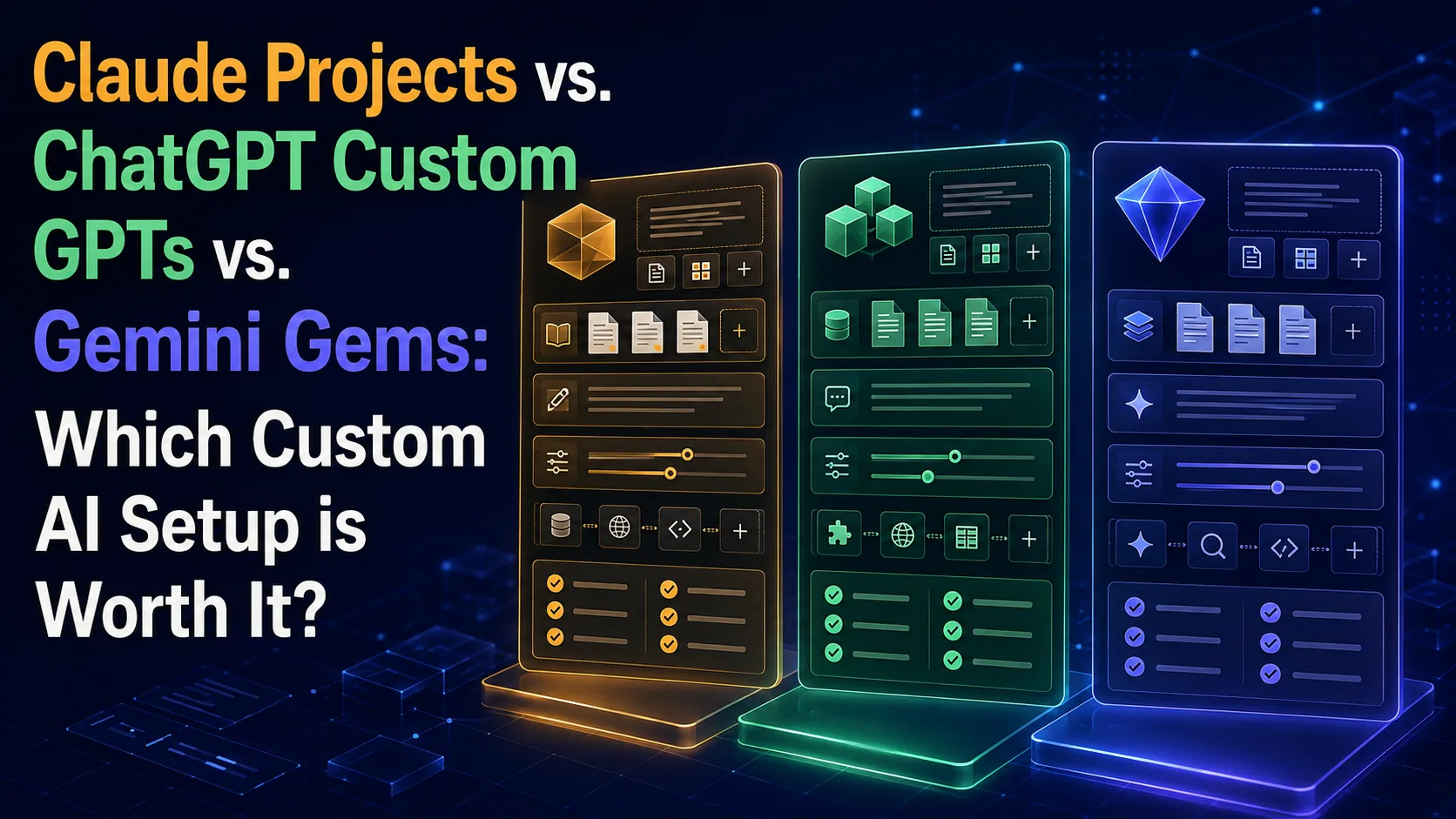
Discover the key differences between the top custom AI features—Claude Projects, ChatGPT Custom GPTs, and Gemini Gems—to find the perfect personalized assistant for your workflow.
Introduction: The Era of Personalized AI
Using artificial intelligence is no longer just about typing simple prompts and receiving generic answers. Today, we live in the era of hyper-personalization, where major technology companies allow us to build custom digital assistants that understand our specific business context, store our files, and speak in our unique brand voice.
Three major platforms compete in this space with unique offerings: Anthropic offers Claude Projects, OpenAI provides Custom GPTs, and Google enters the competition with Gemini Gems. Each of these tools promises to streamline your workflow, but they take entirely different paths to achieve that goal.
If you are paying a monthly subscription for one of these models, or considering investing in one, it is essential to know where each platform's true strength lies. In this practical guide, we will break down these features and compare them based on real-world use cases to determine which tool is actually worth your time and money.
Claude Projects: Deep Context and Knowledge Work
Claude Projects stands out for its intense focus on processing massive amounts of data with extreme precision. This feature allows you to create dedicated workspaces for specific projects, where you can upload entire documents, massive codebases, or even full books to serve as the project's knowledge base.
The major strength here is the massive context window that characterizes Claude models. You can upload the equivalent of hundreds of pages of text, and the AI will remember every small detail with incredible accuracy, making it the ideal tool for writers, researchers, and software developers who need to review entire codebases.
Additionally, Claude Projects allows you to define custom instructions for each individual project and share these projects with your team members in collaborative plans. This focus on closed, organized workspaces makes the tool feel like an intelligent colleague focused on a single, specific task until it is completed.
ChatGPT Custom GPTs: Versatility and API Integrations
OpenAI's Custom GPTs feature is the oldest and most mature in the custom assistant market. The true power of these custom bots lies in their ability to connect to the outside world through what are called Actions, which allow the bot to interact with external Application Programming Interfaces (APIs).
This means you can not only upload files to train the bot, but you can also have it send emails, update Google Sheets, or fetch live data from your website. This flexibility makes Custom GPTs feel like small, custom software programs running directly inside your chat interface.
Furthermore, OpenAI provides a public GPT Store that allows users to share their custom tools with the world or explore what others have built. If you are looking to automate daily tasks and connect different software tools together, OpenAI's option still reigns supreme in this aspect.
Gemini Gems: Seamless Google Workspace Integration
Gemini Gems is Google's new entrant, aiming to make the most of Google's massive ecosystem. These Gems are designed to assist you with your daily tasks across Google Workspace applications like Gmail, Docs, and Drive.
Thanks to the built-in extensions feature, Gemini Gems can pull information directly from your emails or documents without requiring you to upload them manually every time. This seamless integration makes it the fastest and most convenient tool for employees and businesses that rely entirely on Google tools to run their operations.
While Gems may currently lack some advanced features like a public app store or complex external API connections, their ease of use and rapid response times make them an excellent choice for everyday users who want to boost productivity without diving into complex technical details.
Feature Comparison: Context, Actions, and Usability
When compared directly, we find that each tool serves a completely different work philosophy. If your work relies on heavy reading, creative writing, and analyzing complex code, Claude Projects clearly wins due to its superior text generation quality and long-context comprehension.
On the other hand, if you are looking to build interactive tools that connect to your own systems, or want to use advanced image generation features via DALL-E and live web browsing, ChatGPT Custom GPTs offer the most comprehensive and flexible package for developers and entrepreneurs.
In contrast, Gemini Gems remains the simplest and most efficient option for anyone who spends their workday inside Google Docs and Sheets. It provides a clutter-free user experience focused on getting standard office tasks done quickly and smoothly.
Making the Choice: Which Subscription is Worth Your Money?
There is no one-size-fits-all answer; the best choice depends entirely on the nature of your daily work. We recommend starting by evaluating the tools you already use; if you are already subscribed to one of these services, explore its custom features before switching to another platform.
For content creators, programmers, and analysts: We highly recommend investing in Claude Projects due to its exceptional ability to process long literary and programming texts with accuracy that no other tool currently matches.
For marketers, small business owners, and automation enthusiasts: ChatGPT Plus with Custom GPTs remains the most versatile and useful investment thanks to its plugins and external integrations. Define your priorities and try the tools to build your perfect digital assistant.
Comparison table
Feature | Claude Projects | ChatGPT Custom GPTs | Gemini Gems |
|---|---|---|---|
Primary Focus | Deep context & document analysis | Task automation & external APIs | Google Workspace integration |
Context Window (Memory) | Very Large (200k tokens) | Standard (up to 128k tokens) | Massive (up to 1M+ tokens) |
External Actions (APIs) | Not currently supported | Fully supported via Actions | Supported via Google Extensions |
Sharing Options | Shared within Team/Organization | Public GPT Store or shared links | Shared via custom links |
Frequently asked questions
Do I need a paid subscription to use these custom features?
Yes, all three platforms require a paid subscription to access advanced customization features (such as Claude Pro, ChatGPT Plus, or Gemini Advanced).
Which is best for coding and software development?
Claude Projects clearly excels in programming due to its massive context window and its ability to accurately understand and analyze multiple interconnected code files.
Can I share my custom assistant with others?
Yes, ChatGPT allows public sharing via its store, Claude allows sharing within team workspaces, and Gemini allows sharing Gems via direct links.
Is my uploaded data safe in these projects?
All three companies adhere to privacy policies that prevent using data from paid or enterprise accounts to train their public models, but it is always recommended to review each company's privacy terms before uploading sensitive data.
Comments
Be the first to comment.