
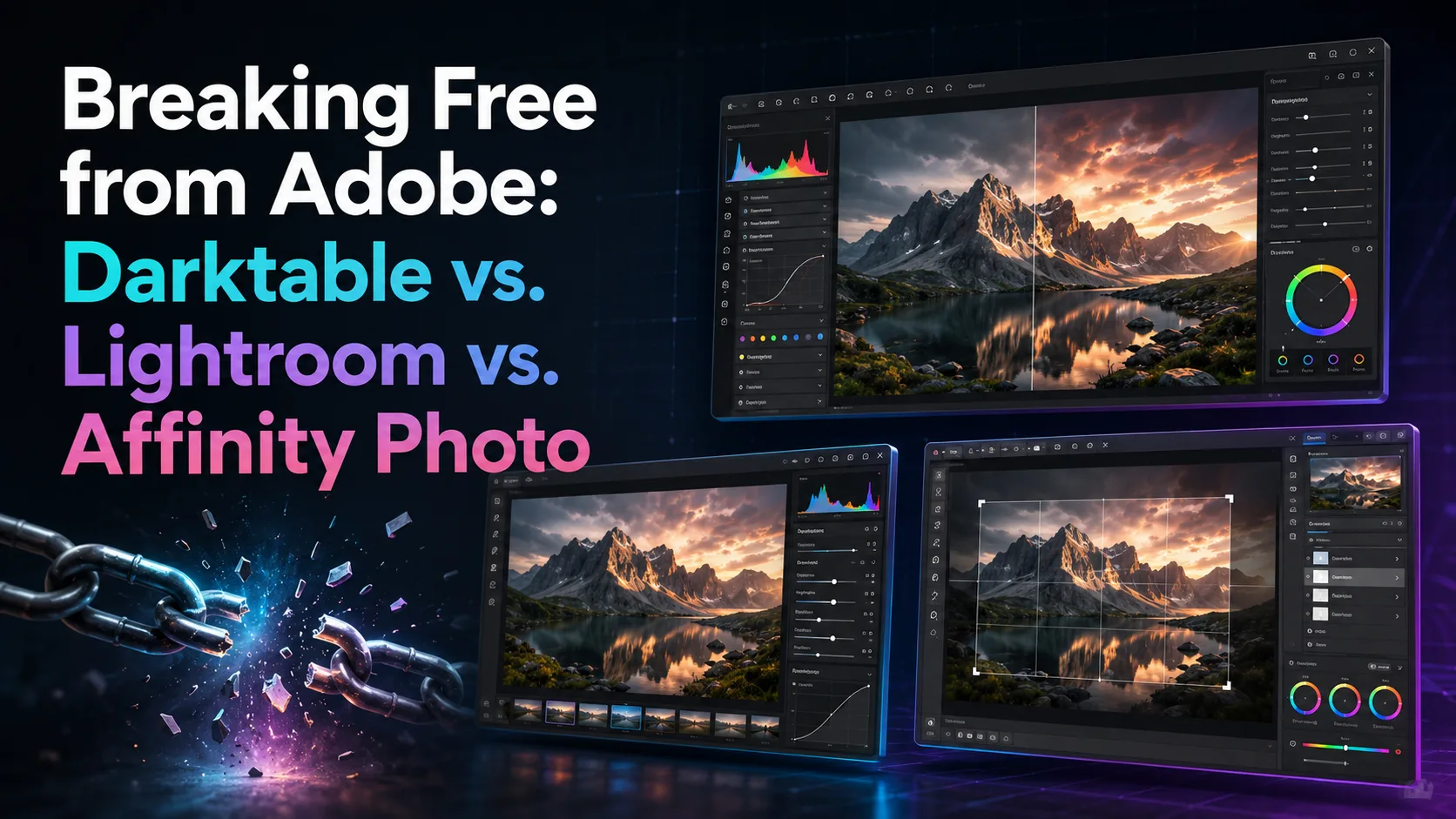
Tired of endless monthly subscriptions? We compare Adobe Lightroom with powerful alternatives like Darktable and Affinity Photo to help you find the perfect photo editing workflow without the lock-in.
The Cost of Creative Lock-In
For over a decade, Adobe has held an industry stranglehold on creative software. When the company transitioned to a strict subscription-only model under Creative Cloud, it changed the relationship between creators and their tools. Instead of owning software, users became perpetual renters, facing the reality that their catalogs would become inaccessible the moment they stopped paying.
This subscription fatigue has sparked a massive migration toward alternative software ecosystems. Photographers and digital artists are realizing that they do not need to pay a monthly tax to produce professional-grade work.
In this guide, we will break down three major contenders in the photo editing space: Adobe Lightroom (the subscription incumbent), Darktable (the open-source champion), and Affinity Photo (the professional one-time purchase alternative).
Adobe Lightroom: The Industry Standard on a Tether
There is no denying that Adobe Lightroom is an exceptionally polished tool. It excels at non-destructive RAW development and Digital Asset Management (DAM), allowing photographers to import, tag, rate, and edit thousands of photos in a highly streamlined, unified interface.
With recent updates, Lightroom has integrated powerful cloud synchronization and cutting-edge AI masking tools that make complex selections—like isolating a subject or replacing a sky—a matter of a single click. For high-volume event photographers, this speed and convenience are hard to beat.
However, this convenience comes with a permanent financial commitment. If you cancel your subscription, the Develop module is disabled, leaving you with a glorified photo viewer. This lack of ownership is the primary driver for users seeking alternative paths.
Darktable: The Open-Source Powerhouse
Darktable is a free, open-source RAW developer and virtual lighttable designed by photographers, for photographers. It runs natively on Linux, macOS, and Windows, offering a completely free alternative to Lightroom's library and development modules.
What makes Darktable unique is its uncompromising technical depth. It uses a modular design with over 60 individual processing modules, giving users precise mathematical and physical control over color reconstruction, exposure, and tone mapping. Its modern 'color calibration' module, based on a scene-referred workflow, is praised by color science enthusiasts.
The learning curve is admittedly steep, and the interface can feel overwhelming to beginners. However, because it saves all edits in lightweight, local sidecar files (XMP), you retain absolute ownership of your data and your catalog forever, with zero cloud dependency.
Affinity Photo: Professional Pixel Editing Without the Subscription
While Lightroom and Darktable focus primarily on RAW development and cataloging, Affinity Photo by Serif takes a different approach. It is a fully-featured raster graphics editor designed to compete directly with Adobe Photoshop, while still offering robust RAW development capabilities.
Affinity Photo operates under a traditional licensing model: you buy it once, and you own it forever. It boasts incredible performance, utilizing modern hardware acceleration to handle massive multi-layered files, complex focus merges, and advanced frequency separation retouching without breaking a sweat.
The main limitation of Affinity Photo for photographers is the absence of a built-in digital asset manager. It is built for editing photos individually or in focused batches, rather than organizing a library of 50,000 images. To build a complete workflow, many users pair it with a dedicated file browser or cataloging tool.
RAW Processing vs. Pixel Manipulation: Understanding the Difference
To make an informed choice, it is crucial to understand the architectural difference between these tools. Lightroom and Darktable are non-destructive parametric editors. They do not alter the original RAW pixels; instead, they save a set of instructions (parameters) that are applied on the fly when you view or export the image.
Affinity Photo, on the other hand, is a pixel-level editor. While it can develop RAW files, its true power lies in destructive and non-destructive layer-based compositing, detailed retouching, and precise pixel manipulation. It is where you go when you need to remove complex objects, combine multiple exposures, or add graphic design elements.
Many photographers find that their ideal post-Adobe workflow actually involves a combination of tools: using Darktable for organizing and basic RAW development, and sending specific images to Affinity Photo for advanced retouching and creative finishing touches.
How to Transition Without Losing Your Mind
Switching your creative suite requires a shift in mindset. Because different programs use proprietary raw-processing algorithms, you cannot directly import a Lightroom catalog into Darktable or Affinity Photo and expect your sliders to match perfectly. Your historical edits will not look identical.
The best approach is to export your finalized Lightroom projects as high-quality 16-bit TIFF files to preserve your edits, while keeping your original RAW files safe. Moving forward, start your new projects exclusively in your chosen alternative tool to build familiarity.
Give yourself at least two to three weeks to adapt to the new keyboard shortcuts and interface layouts. Once the muscle memory develops, you will realize that professional-grade photo editing is not exclusive to Adobe, and the feeling of true software ownership is well worth the initial learning curve.
Comparison table
Feature / Tool | Adobe Lightroom | Darktable | Affinity Photo |
|---|---|---|---|
Pricing Model | Monthly Subscription | 100% Free & Open Source | One-time Purchase |
Asset Management (DAM) | Excellent (Cloud & Local) | Very Good (Local Database) | None (Requires external browser) |
Layer-based Editing | No (Adjustment brushes only) | No (Parametric masks only) | Yes (Full pixel-level layers) |
Supported Platforms | Windows, macOS, iOS, Android | Windows, macOS, Linux | Windows, macOS, iPadOS |
Frequently asked questions
Can I import my Lightroom catalog directly into Darktable?
You cannot import Lightroom's exact edit history because the underlying processing engines are completely different. However, Darktable can import your folder structures and read basic metadata, ratings, and tags stored in sidecar XMP files.
Does Affinity Photo support PSD (Photoshop) files?
Yes, Affinity Photo has excellent compatibility with PSD files. It can read and write PSD files, preserving layers, masks, and blend modes, making it easy to collaborate with clients who still use Adobe products.
Is Darktable actually capable of professional results?
Absolutely. While its interface requires some study, Darktable's modern scene-referred color processing pipeline is incredibly advanced and capable of producing image quality that rivals or exceeds any commercial software on the market.
Comments
Be the first to comment.