
Choosing the right password manager is critical for your digital hygiene. We compare Bitwarden, 1Password, and Proton Pass across security architectures, user experience, and practical features to help you decide.
Introduction: The Battle for Your Digital Identity
In today's hyper-connected world, a password manager is no longer a luxury; it is an essential tool for maintaining robust digital security. Relying on memory or insecure text files to manage dozens of complex credentials is a recipe for disaster.
Three major players currently dominate the conversation: Bitwarden, the champion of open-source transparency; 1Password, the polished industry veteran beloved by enterprises and families; and Proton Pass, the privacy-centric newcomer backed by the respected Swiss-based Proton ecosystem.
This comprehensive guide compares these three tools across their security architectures, user interfaces, and unique features to help you determine which one deserves a place on your devices.
Security Architectures: How Your Data is Protected
At their core, all three services employ zero-knowledge encryption models. This means your master password is used to derive encryption keys locally on your device, ensuring that none of the providers can ever access or read your stored vault data.
However, their implementations differ in fascinating ways. 1Password introduces an extra layer of defense called the 'Secret Key'—a unique 128-bit key generated locally during setup. This key is required alongside your master password to authorize any new device, rendering brute-force attacks practically impossible even if your master password is compromised.
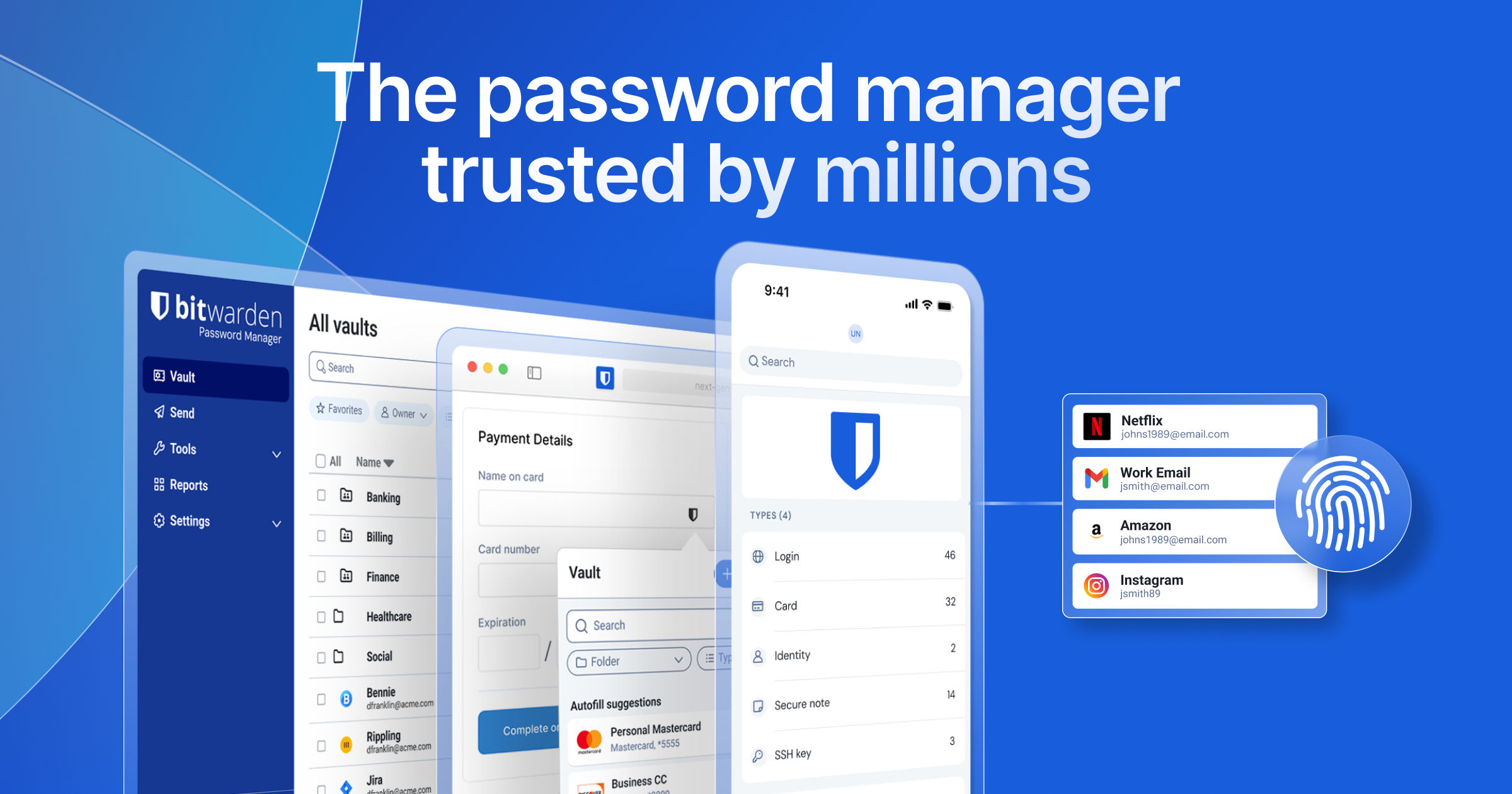
Bitwarden counters with the ultimate transparency of being fully open-source. Its codebase is publicly auditable, allowing security researchers to constantly inspect it for vulnerabilities. Furthermore, Bitwarden is the only major player here that officially supports self-hosting, allowing advanced users to run their own vault servers.
Proton Pass benefits from Switzerland's strict privacy laws and utilizes modern cryptographic primitives like bcrypt for key derivation and ChaCha20 for encryption. Like Bitwarden, Proton Pass is fully open-source and undergoes regular independent security audits to maintain trust.
User Experience and Interface: Polished vs Functional
When it comes to design aesthetics and sheer user experience, 1Password remains the gold standard. Its desktop and mobile applications are incredibly polished, featuring intuitive layouts, smooth animations, and a seamless autofill experience that feels natural even to non-technical users.
Bitwarden, by comparison, prioritizes function over form. Its user interface is clean and highly efficient but can feel somewhat utilitarian or dated. While it lacks the visual flair of 1Password, it is highly reliable, lightweight, and preferred by developers who appreciate straightforward, no-nonsense utility.
Proton Pass bridges the gap with a modern, minimalist aesthetic that matches the rest of the Proton suite. Its mobile apps are exceptionally well-designed, offering a fluid user experience. While its desktop applications are newer and still catching up in advanced features, the overall trajectory of its UX is highly promising.
Unique Features and Ecosystem Integration
Beyond basic password storage, each manager offers distinct features that cater to different workflows. 1Password stands out with its 'Travel Mode,' which temporarily removes sensitive vaults from your devices when crossing borders, allowing you to restore them with a single click once you arrive safely.
Proton Pass leverages its integration with the Proton ecosystem by offering built-in email aliasing powered by SimpleLogin. This allows you to generate random email aliases on the fly when signing up for new services, keeping your real email address hidden from advertisers and potential data breaches.
Bitwarden shines in its cross-platform versatility and sharing capabilities. Its free tier allows two users to share credentials securely through a shared 'Organization' vault. It also offers a robust Command Line Interface (CLI) and extensive browser extension support, making it incredibly flexible for power users.
The Verdict: Which One Should You Choose?
If you value open-source transparency, want the option to self-host your data, or need a highly capable free tier that doesn't compromise on security, Bitwarden is the undisputed choice for tech enthusiasts and budget-conscious users alike.
If you are willing to pay for a premium experience, want top-tier design, require advanced family sharing features, and appreciate the added peace of mind provided by a physical Secret Key, 1Password remains the most polished option on the market.
If you are already invested in the Proton ecosystem (using Proton Mail or Drive) or highly value email privacy and want a modern, rapidly evolving password manager with built-in email aliasing, Proton Pass is an excellent and cohesive choice.
Comparison table
Feature | Bitwarden | 1Password | Proton Pass |
|---|---|---|---|
Code License | Fully Open Source | Proprietary Core | Fully Open Source |
Free Tier | Yes (Highly generous) | No (Trial only) | Yes (Generous basic features) |
Self-Hosting | Supported | Not Supported | Not Supported |
Email Aliasing | Via third-party integrations | Via Fastmail integration | Built-in (SimpleLogin) |
Frequently asked questions
Is it easy to migrate my passwords from one manager to another?
Yes, all three password managers support importing and exporting data via standard formats like CSV or encrypted JSON, making migration a quick and straightforward process.
What happens if I lose my 1Password Secret Key?
Because of 1Password's zero-knowledge architecture, the company does not store your Secret Key. If you lose it and do not have your Emergency Kit saved or printed, you will be permanently locked out of your account.
Can I use these password managers offline?
Yes, all three applications cache an encrypted copy of your vault locally on your device, allowing you to view your credentials even when you do not have an active internet connection.
Comments
Be the first to comment.